
Pain point
A calendar without context is only half a plan
Know what is coming up and return to the client history you need before a session—without searching through chats and tabs.
For private-practice professionals
Simpace brings clients, sessions, notes, and finances into one calm mobile workspace—so the admin around your practice takes less of your attention.
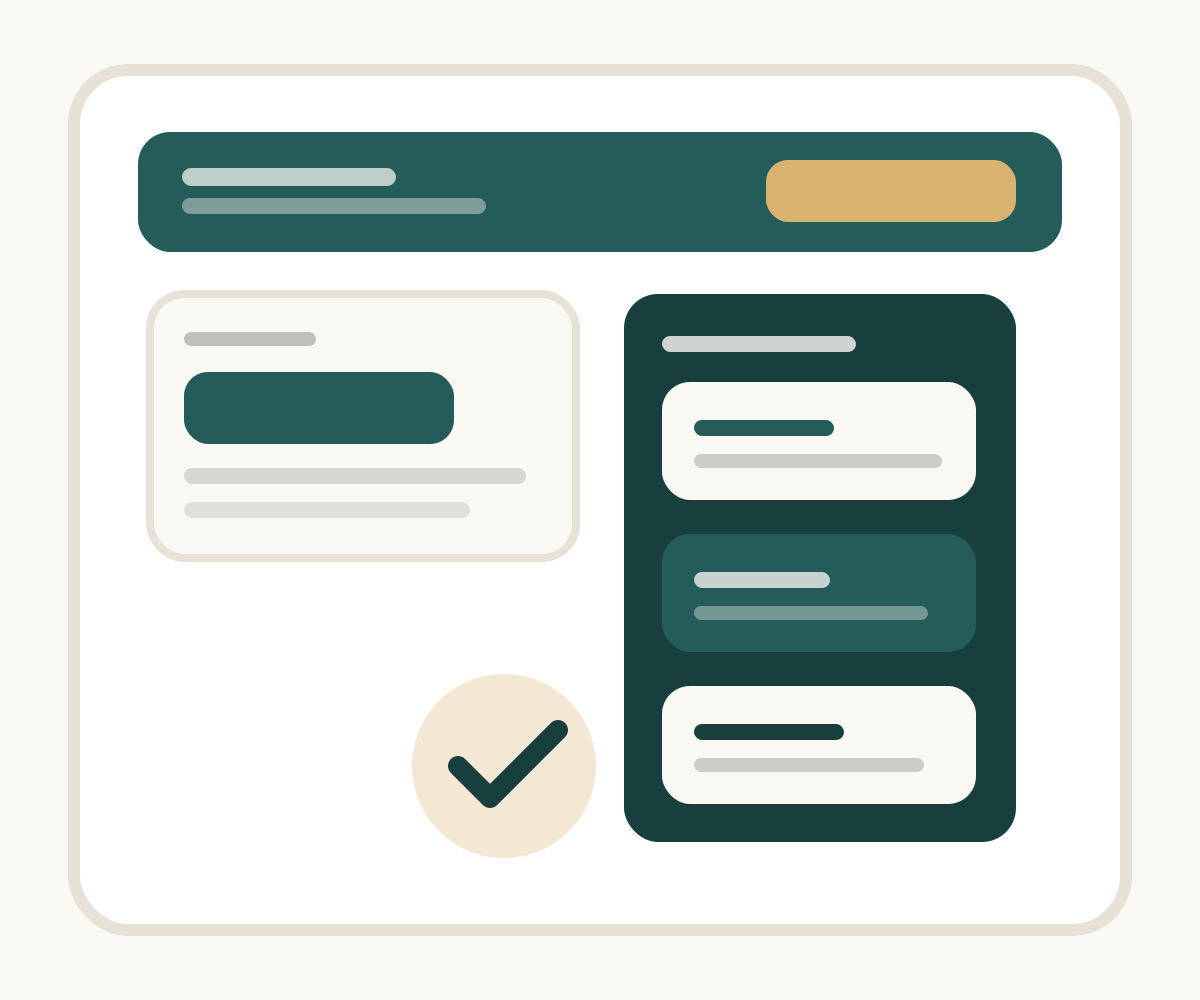
Why it exists
When client context, appointments, notes, and payments are spread across different tools, the day becomes harder to hold together. Simpace keeps the essentials connected.
Pain point
Know what is coming up and return to the client history you need before a session—without searching through chats and tabs.
Pain point
Capture observations, plans, feedback, and supervision materials while the session is still fresh, then find them again in the right client context.
Pain point
Payments, prepayments, balances, income, and expenses are part of running a practice—not a separate spreadsheet to reconcile later.
Core workflow
From preparing for a session to understanding the month, Simpace helps you keep the important parts of your practice in one flow.
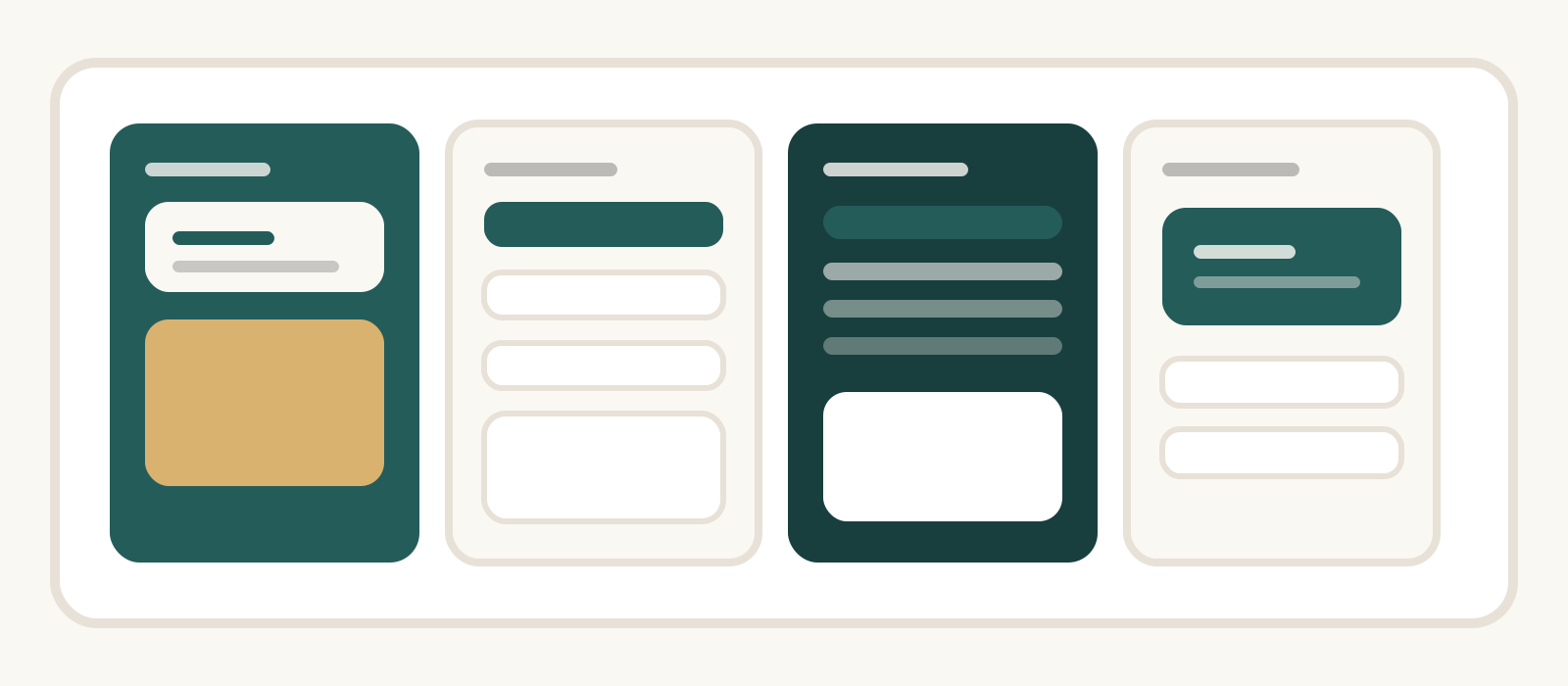
Plan one-off and regular sessions, see what is next, and keep each day manageable.
Keep session notes, plans, observations, and feedback connected to the client and their history.
Record a voice note and use transcription to make reviewing and organising key moments easier.
See payments, prepayments, balances, income, and expenses alongside the work they relate to.
Feature set
Simpace is designed for the practical work before, during, and after sessions—without turning your phone into another noisy dashboard.
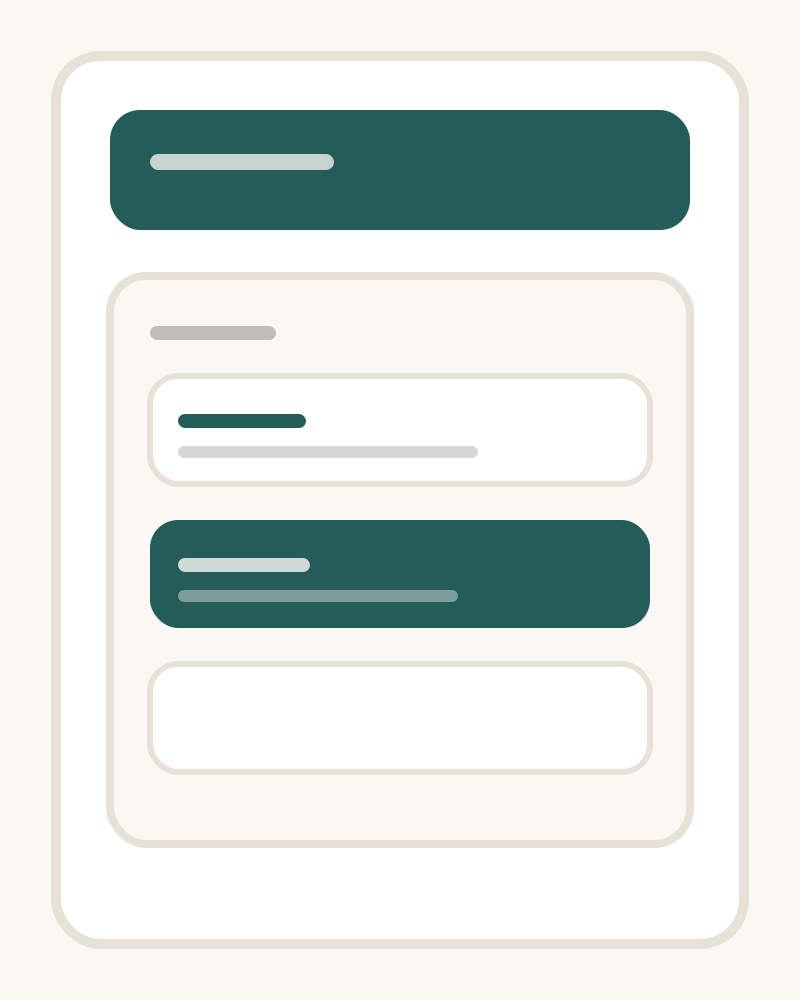
Plan your schedule with the client context and session history that help you arrive prepared.
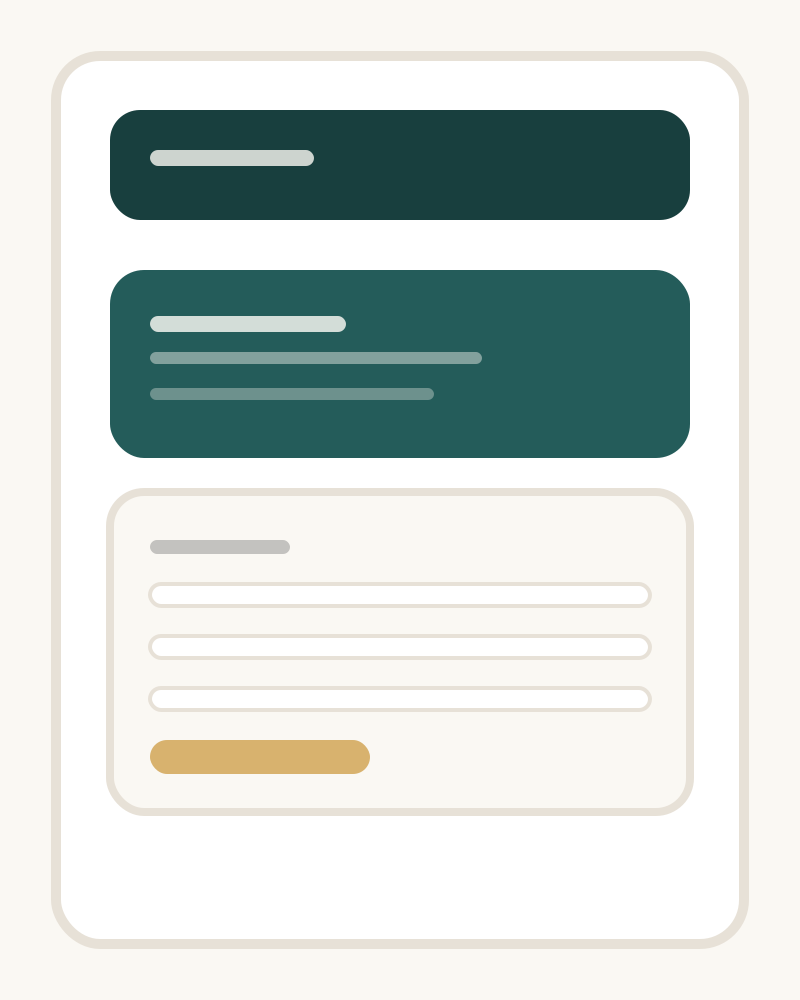
Keep the details that matter together: session notes, plans, feedback, contacts, and materials for supervision.
Capture spoken reflections when typing is not the right tool, then work with a written transcript.
Understand the financial side of your practice without losing sight of the client work behind it.
Trust and privacy
Private practice means working with information that deserves care. Simpace is designed to help you keep that work organised and protected on the device you use.
Device authentication helps protect access to the app.
You stay in control of your notes and the way you review transcripts.
Clear client context helps reduce the need to copy sensitive information between tools.
For details about how we process personal data, please read ourPrivacy Policy.
Platforms
Simpace is available for iOS and Android, so you can keep your schedule, client context, and practice finances close throughout the day.
A focused workspace for iPhone and iPad, ready for the rhythm of a busy practice.
The same calm, connected workflow for the Android device you already rely on.
Download
Simpace is ready to use on iOS and Android. Choose your device and get started with a clearer everyday workflow.
One connected workspace
From your next appointment to the financial picture of your month, Simpace helps keep the administrative side of private practice in a single, considered place.
Search for “Simpace” in your store to find the app.
FAQ
Yes. Simpace is available on the App Store and Google Play. Use the download section above to find it on your device.
Simpace is made for psychologists, psychotherapists, consultants, coaches, and other professionals who run a private practice.
You can organise clients and contacts, plan regular and one-off sessions, keep notes and session history, track payments and balances, and review income and expenses.
Yes. Simpace supports practice preferences for local time, currencies, and languages—useful when your work crosses borders.